Your clipboard,
Clippy lives quietly in your menu bar and captures everything you copy automatically, instantly, privately. No setup required.
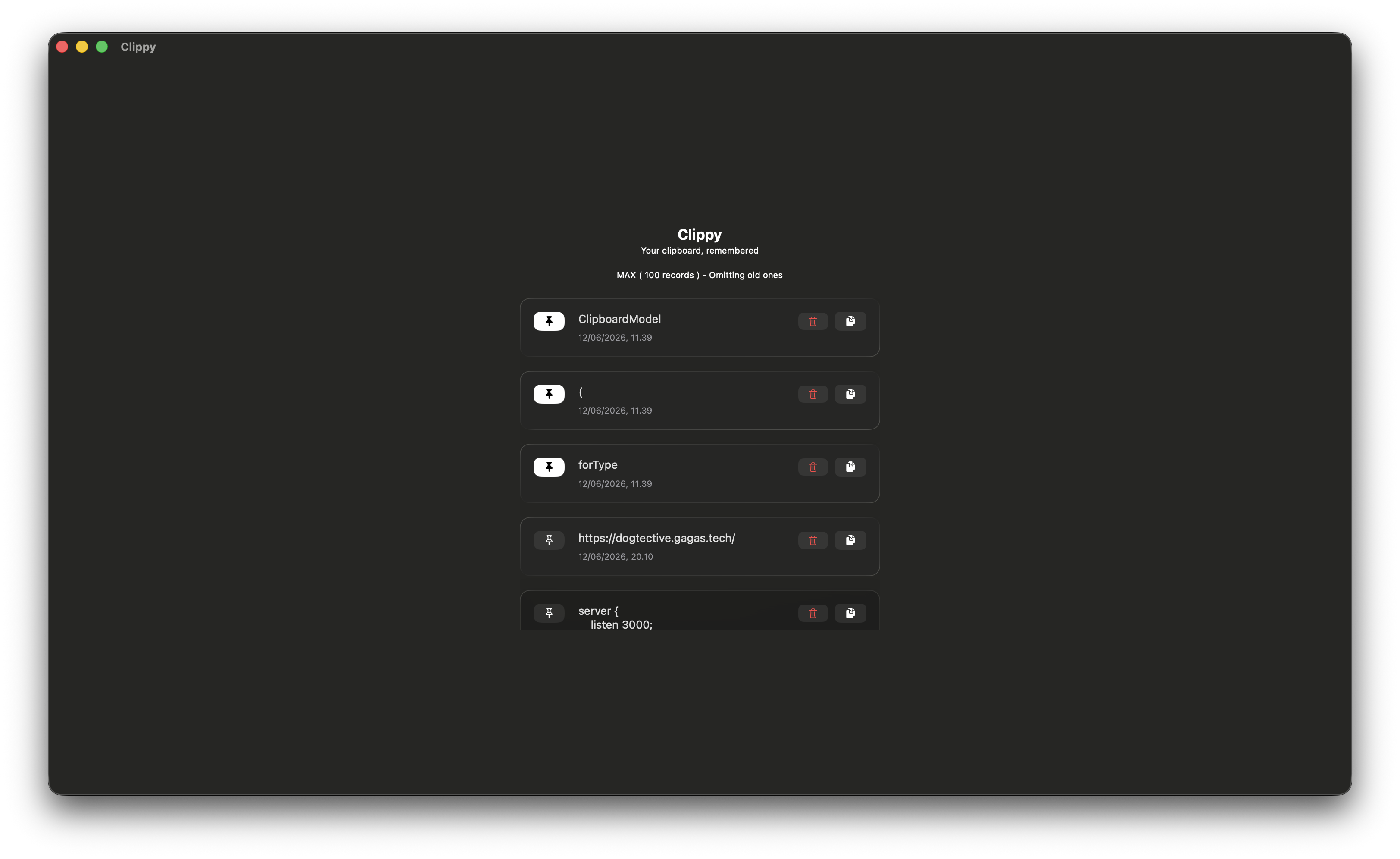
Everything you copy, always within reach
Simple by design. Powerful by default. Clippy works silently so you never lose what you copy.
Automatic Capture
Every text you copy is captured instantly in the background. No shortcuts to learn, no buttons to press.
One-Click Re-copy
Click any item in your history to instantly copy it back to your clipboard. Get back to work faster.
Delete Entries
Remove individual items you no longer need. Keep your history clean and relevant.
Persistent History
Your clips survive app restarts. Up to 150 entries stored locally, old ones trimmed automatically.
Pin Items
Pin your most important clips so they always stay at the top, never lost in the scroll.
Truly Lightweight
Lives entirely in the menu bar. No Dock icon, no window clutter. Runs invisibly until you need it.
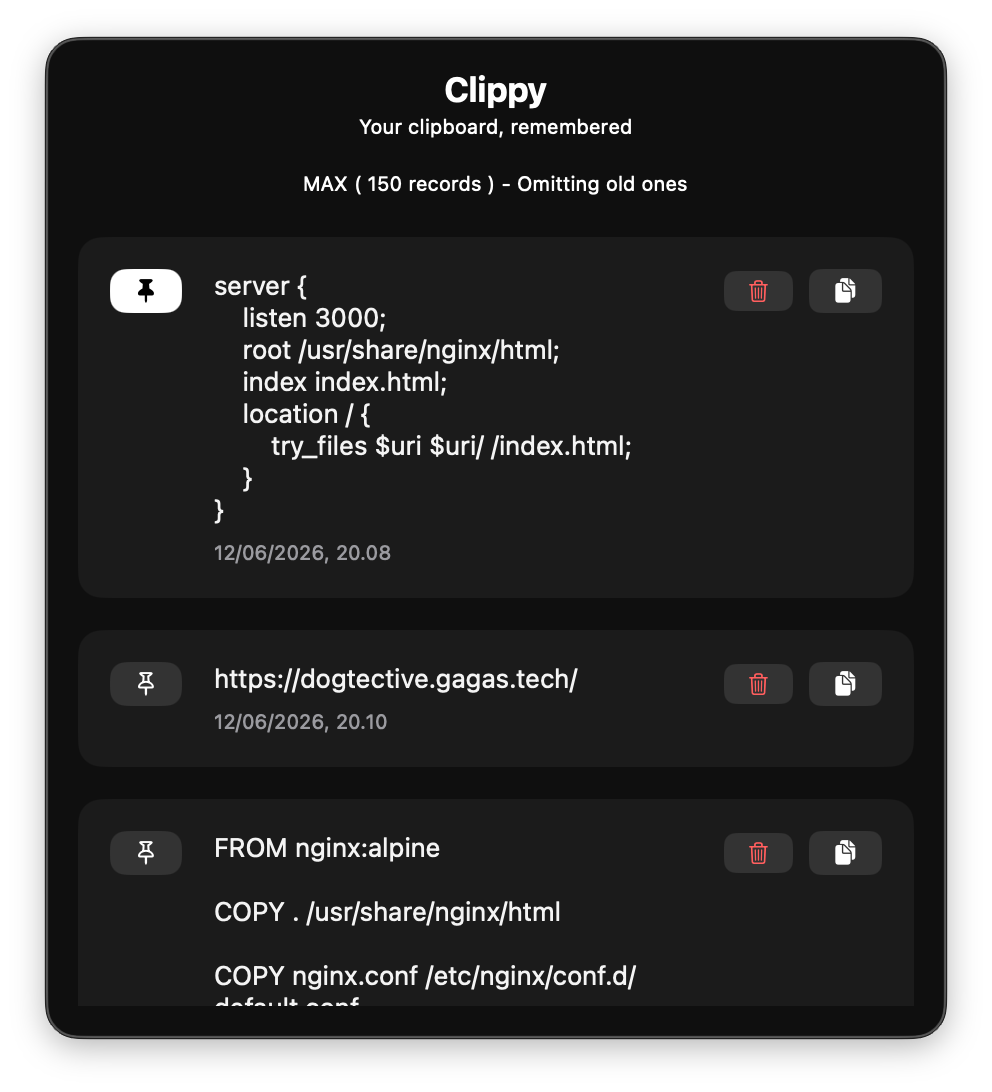
Everything at a click
Open the panel directly from your menu bar. Your full clipboard history is right there — browse, copy, pin, or delete in seconds.
Start remembering everything
Available on the Mac App Store. Scan the QR code or search for Clippy on your Mac.

Scan to download
Open your iPhone or iPad camera and point it at the code to go directly to Clippy on the Mac App Store.
Need help?
Have a question or found a bug? Reach out directly and we'll get back to you.
beebeewijaya.tech@gmail.com